THE PHOTOCRAFT FIELD GUIDESmall guides.
Small guides.
Useful edits.
Learn one task at a time. These guides apply to the PhotoCraft Web v0.7.0 build hosted on this site.
 THE FIRST EDIT
Getting started
Find your way around the workspace and finish a first edit.
 SIZE & COMPOSITION
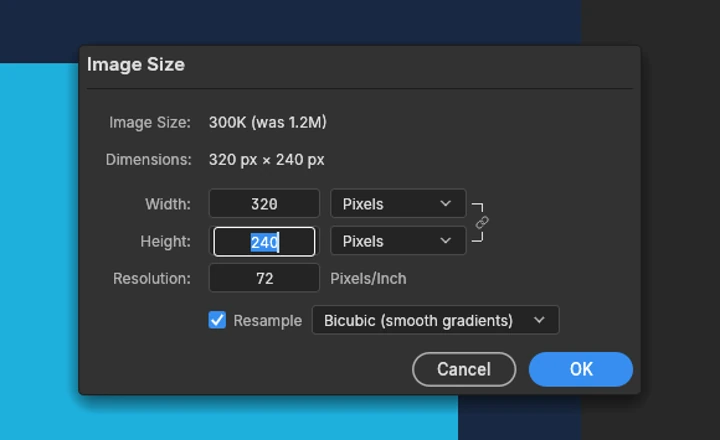
Crop & resize
Change the crop or pixel dimensions—not just the zoom.
 THE FILE YOU KEEP
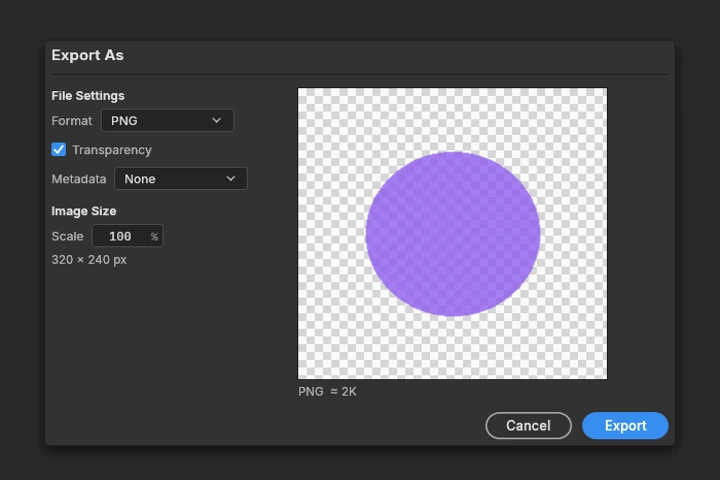
Save & export
Download the right format and avoid losing work in the tab.
 LAYERS & COMPATIBILITY
PSD files & layers
Open a PSD and understand the limits before you save a copy.
Start here The editor is directly on the homepage. No account required. Download your work before you close or reload it.